Works with WooCommerce

WordPress AI Chatbot Plugin

Someone lands on your site at 11pm with a question. Nobody is online. The chatbot answers from your own pages, in 46 languages, and takes their details while your team sleeps.

No code · Setup wizard in about five minutes · 30-day free trial, no credit card

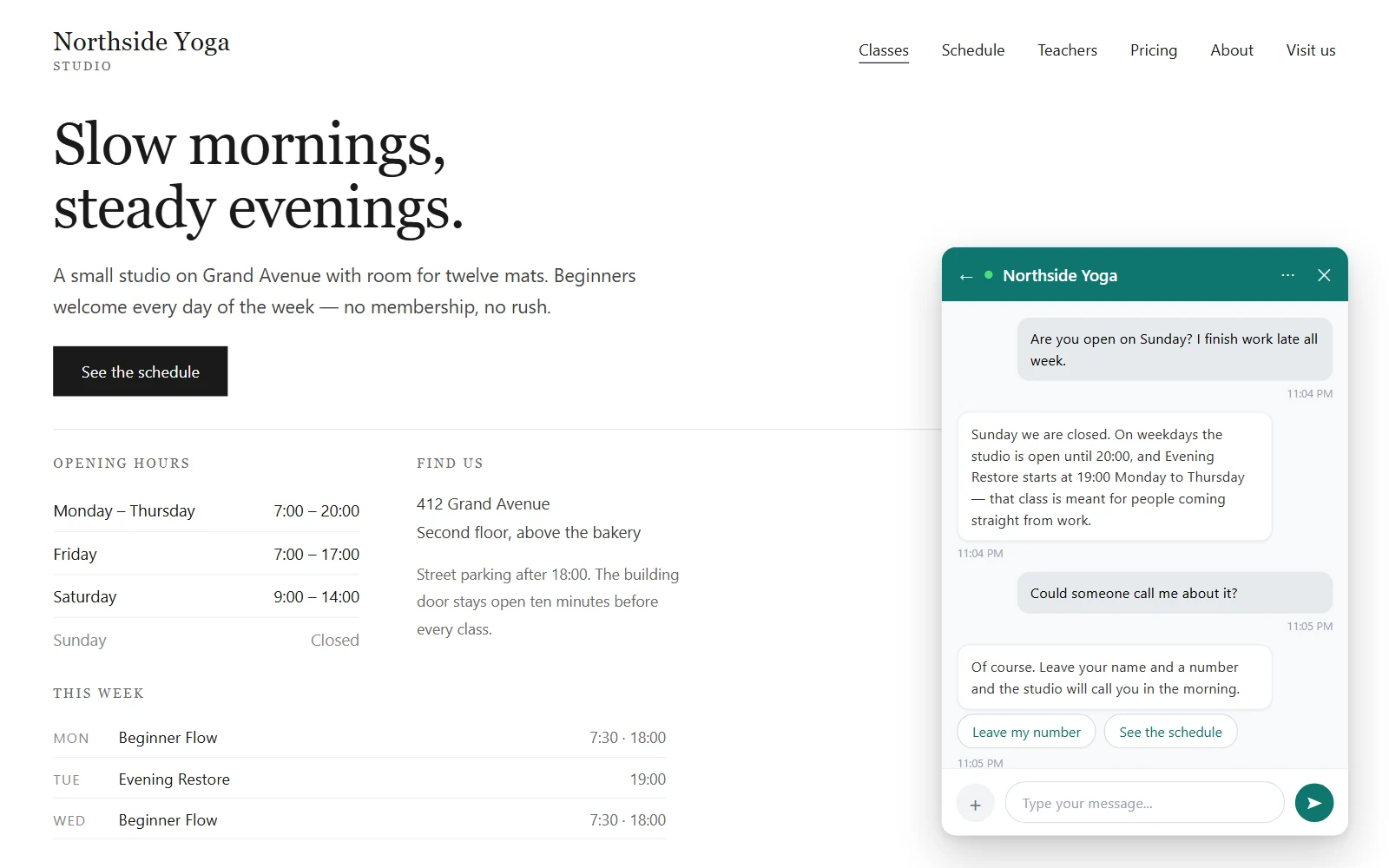
Time Saver Bot chat widget on a WordPress site answering a shipping question in German

WordPress Chatbot

What usually goes wrong with a WordPress chatbot
It answers from the open internet

A general-purpose AI fills the gaps with things you never said. You find out when a customer quotes one of them back to you.

It asks for an OpenAI key

Register somewhere else, create a key, paste it into WordPress, then watch a second bill you did not plan for.

It speaks one language

Your visitor writes in Polish. The bot replies in English, or asks them to pick a language before it will help.

It needs code

A snippet in the theme, a shortcode on every page, and a developer on call the next time the theme updates.

An AI chatbot is only worth having if you can trust what it says

AI Trained On Your Website

Answers only from your own content

The bot builds every answer from the pages you picked, the FAQ you wrote and the products in your catalog. Not from the open internet. When it does not have the answer, it says so and offers to take the visitor's details instead of inventing something.

Chatbot Without OpenAI API Key

No OpenAI API key

Nothing to register, no token bills, no keys to paste into WordPress. The platform handles the AI side. There is no separate sign-up either — the setup wizard creates your workspace for you.

Multilingual Chatbot Plugin

46 languages, and the bot picks the right one itself
Detected automatically

The bot reads the language of the first message and answers in it, then stays there for the rest of the conversation. Nobody picks a setting.

Write once, in your language

No translation plugin, no duplicate pages, no 46 versions of your FAQ. Your content stays in one language — yours.

Right-to-left done properly

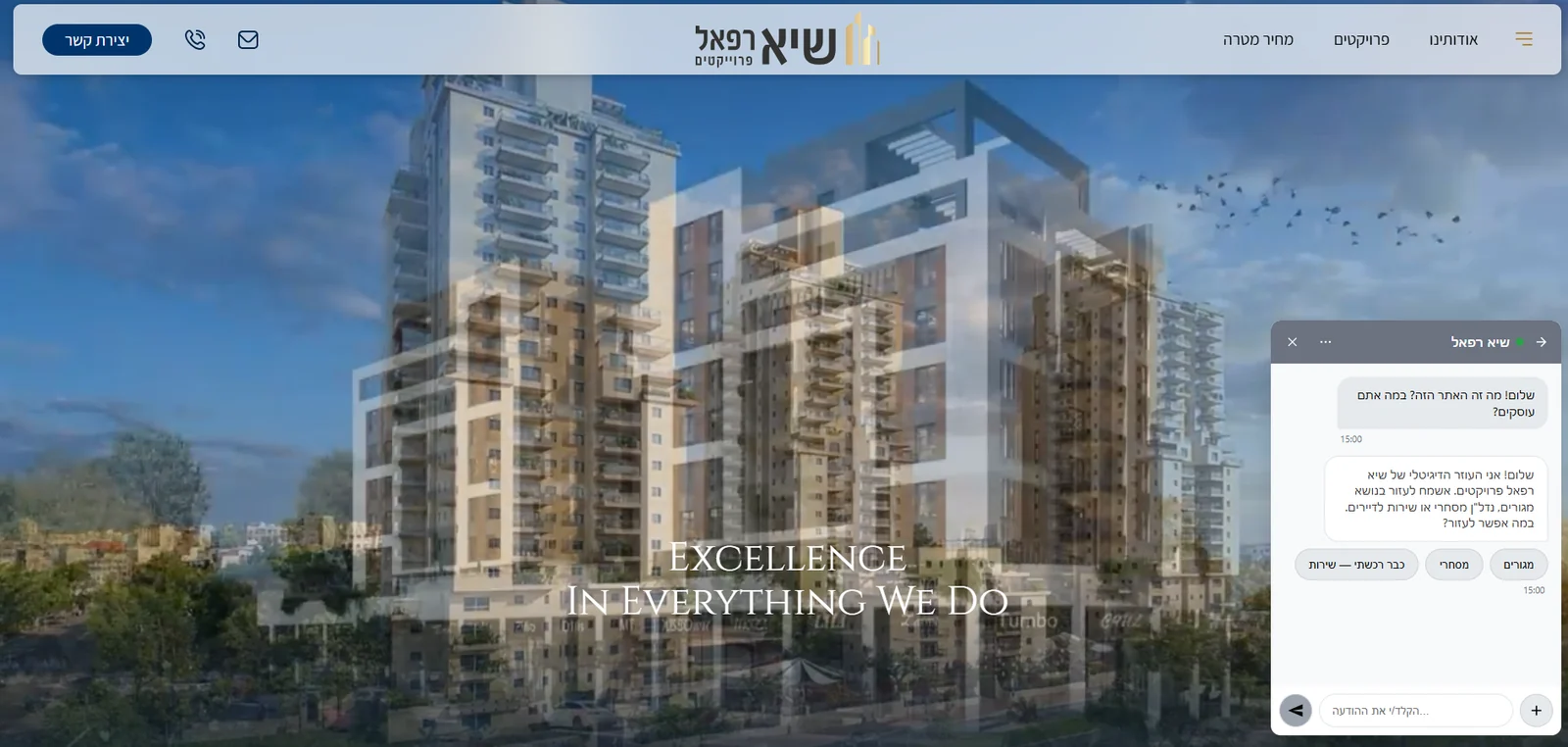
For Arabic, Hebrew, Persian and Urdu the whole chat window mirrors — bubbles, icons, the send arrow and menus, not just the text.

Exact details stay exact

Model numbers, SKUs and brand names come back exactly as you wrote them, whatever language the question arrived in.

WordPress Chatbot Without Coding

Everything from your WordPress admin
One click, no second login

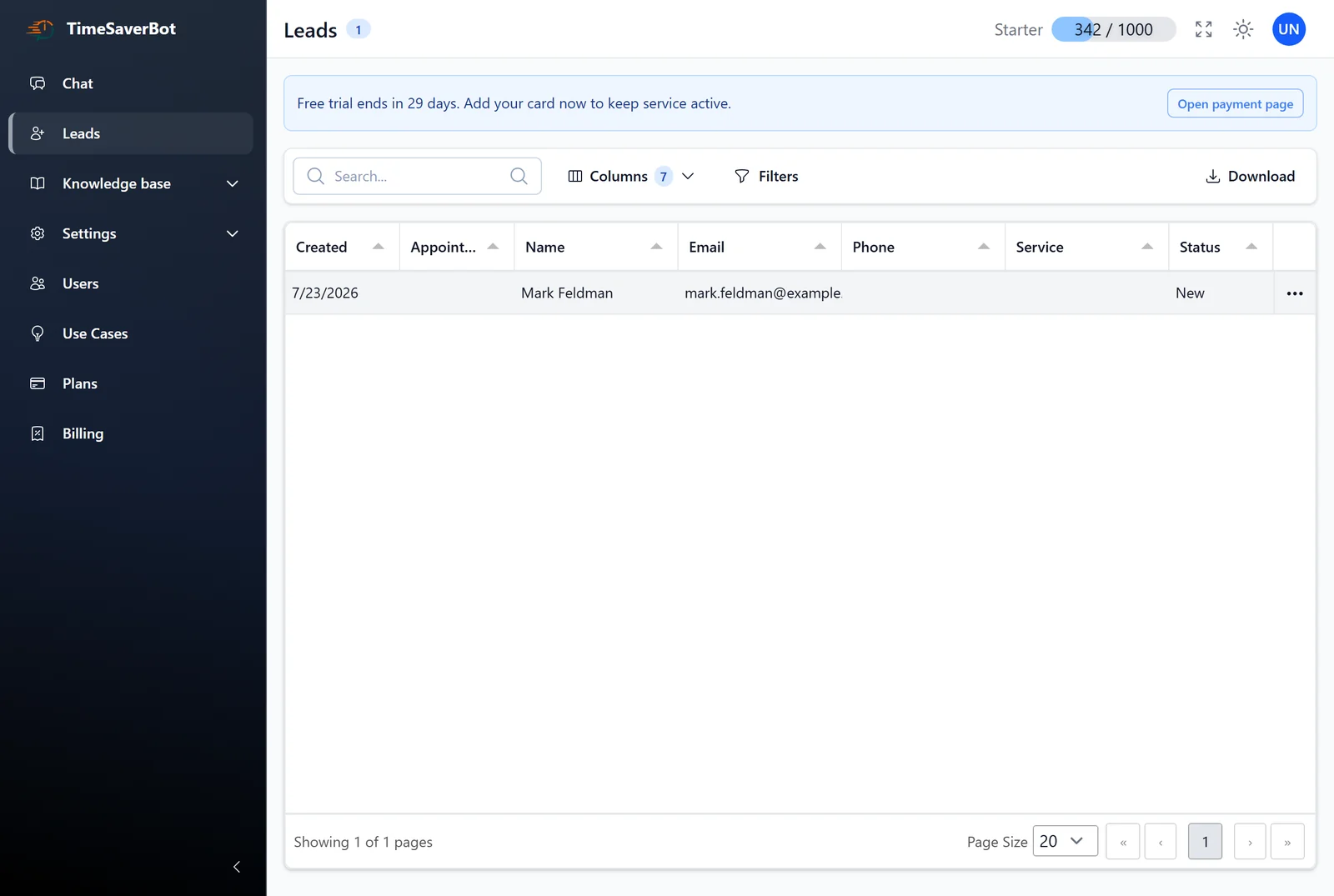
Chat, Leads and Knowledge Base open straight from the WordPress menu.

A widget that fits your site

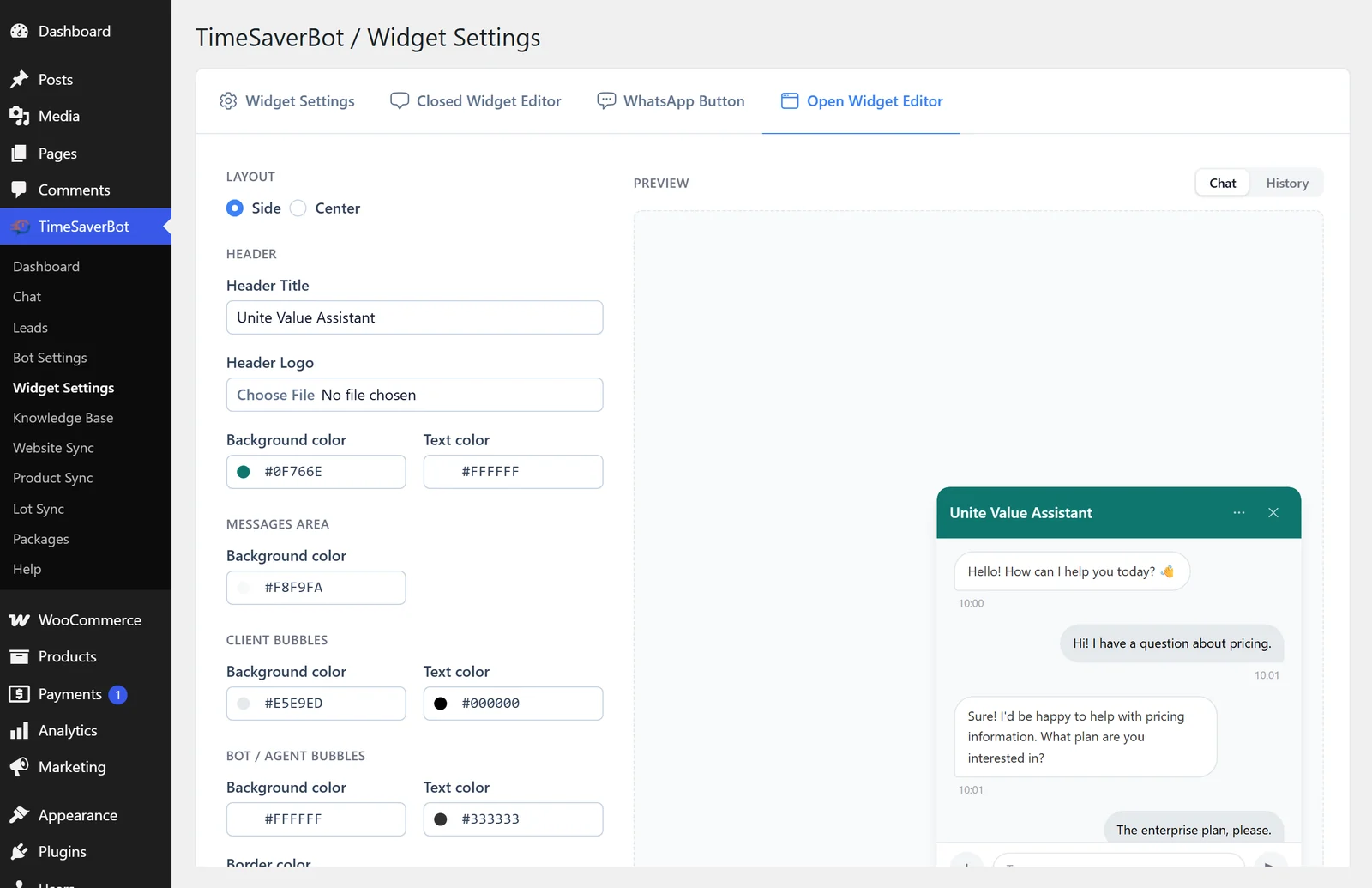
Your colors, button text and chat title, previewed live before anything goes public.

Your numbers in wp-admin

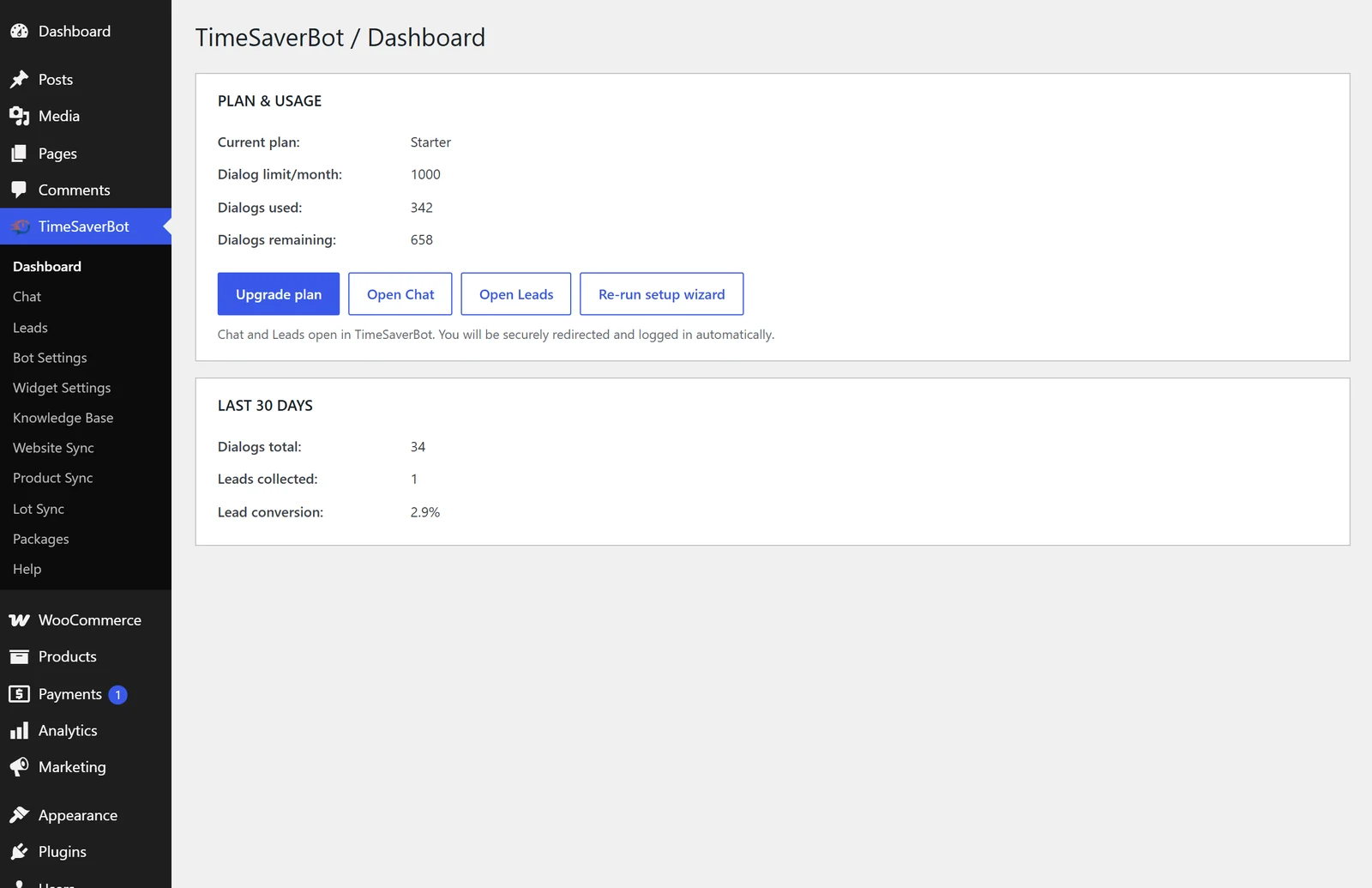
Dialogs, leads and lead conversion for the last 30 days, plus your plan and how much of it is left.

No theme file to edit

The widget appears on every frontend page by itself. No shortcode. Deactivate the plugin and it is gone again.

How To Add Chatbot To WordPress

Live in about five minutes

Setup is a wizard. Every step after picking your pages can be skipped.

1. Activate

Install the plugin and activate it. The wizard starts on its own.

2. Pick your pages

The bot learns from them. If WooCommerce is active, your catalog imports at the same time.

3. Choose a bot

One of five ready-made ones, or write your own instructions.

4. Set the look

Colors and text, with live preview. Then you are done — the widget is already on your site.

WordPress AI Assistant

Pick a bot and it works out of the box
General Sales

Services, B2B, landing pages. Answers, then guides toward an inquiry.

General Support

Sites with documentation or a knowledge base.

Service Order

Clinics, salons, repair shops. Collects name, phone, service and preferred time.

E-commerce

Advises from your catalog, compares products, answers on price, stock, delivery and payment.

Prompt Bot

For anything the four above do not cover. You write the instructions yourself.

Handover to your team

Switch on live operators and the same widget becomes your live chat. The bot hands the conversation over with its history.

WordPress Chat Widget

See it on a real site

5 screenshots — pick one below or use the arrows. Click a screenshot to open it full size.

Pricing Plans

Free your day from repetitive customer routine.

Starter

For solo teams launching live chat and basic automation

$26 /mo
1,000 credits / month

One pool. Spend it on any mix of:

  • 100 AI text conversations
  • or 1,000 button bot conversations
  • or 10 voice conversations

Extra credits — $0.026 each

  • Single user
  • Live chat and lead system
  • Basic analytics
  • Multilingual support
Free 30-day trial
MOST POPULAR
Growth

To scale support and improve customer satisfaction

$75 /mo
3,000 credits / month

One pool. Spend it on any mix of:

  • 300 AI text conversations
  • or 3,000 button bot conversations
  • or 30 voice conversations

Extra credits — $0.025 each

All from Starter, plus:

  • Up to 3 users
  • Advanced analytics
  • Permissions
  • Auto-reply
  • Automatic chat assignment
Free 30-day trial
Plus

Higher limits, additional integrations and advanced options

From $630 /mo
From 10,000 credits / month

One pool. Spend it on any mix of:

  • 1,000 AI text conversations
  • or 10,000 button bot conversations
  • or 100 voice conversations

Extra credits — $0.021 each · custom volume available

All from Growth, plus:

  • From 10,000 conversations
  • Dedicated success manager
  • Custom scenario count for visitors
  • Custom branding
  • Multiple projects
  • Departments
Contact sales
Premium

Managed service with implementation and continuous AI support

From $2,200 /mo
From 100,000 credits / month

One pool. Spend it on any mix of:

  • 10,000 AI text conversations
  • or 100,000 button bot conversations
  • or 1,000 voice conversations

Extra credits — $0.020 each · custom volume available

All from Plus, plus:

  • From 100,000 conversations
  • AI agent as managed service
  • 50% resolution commitment via AI
  • Billing by resolution
  • Premium support
  • Analysis and monitoring
Contact sales
How credits work

Every plan gives you one monthly pool of credits, and each bot reply draws from that same pool: an AI text conversation costs 10 credits, a button bot conversation 1 credit, a voice conversation 100 credits, and 1,000 embeddings 1 credit. The numbers in each plan are alternatives, not extras — 1,000 credits is 100 AI conversations or 1,000 button conversations or 10 voice conversations, in any combination. When the pool runs out, extra credits are billed at your plan's credit price.

Frequently asked questions

About the setup wizard, languages, and what the plugin needs from your site.

Do I need an OpenAI API key?

No. Nothing to register, no token bills, no keys to paste into WordPress. The AI runs on the Time Saver Bot platform.

Do I have to translate my site into 46 languages?

No. Write your pages and FAQ once, in the language you already work in. The bot matches questions by meaning and answers in the language the visitor used.

Do I have to edit my theme or paste a script?

No. When the wizard finishes, the plugin puts the widget on every frontend page for you. Deactivating the plugin removes it again.

Do I need a Time Saver Bot account first?

No. The setup wizard creates the workspace for your site. There is no separate registration or login.

What does my site need to run it?

WordPress 6.0 or newer and PHP 8.1 or newer. The plugin is built for single-site WordPress — multisite is not supported yet.

What does it cost?

30 days free, no credit card. After the trial the plugin needs a paid plan, from $26 a month. Your WordPress dashboard shows the month's limit and what is left of it.

Try it on your own site tonight

Install from WordPress.org · About five minutes · 30-day free trial, no credit card

Get the Plugin on WordPress.org

or explore